In some cases, you may chose to redirect approval of an Invoice or Field Ticket for some reason. It could be that the document has not had any activity for quite some time since being received by the approver. The following can be done if you wish to select another approver.
|
note |
Redirecting an approval can only be done under the following conditions:
|
- Go to the Approver tab of the Invoice form.
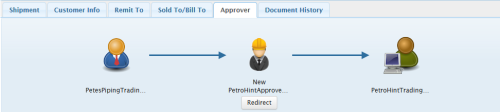
- Click the Redirect button below the Approver icon.
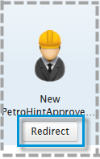
Note the status of the document above the Approver User's name.
The Select Approver pop-up will be displayed.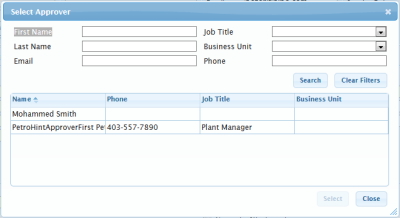
- Locate the required approver.
- Click Redirect.
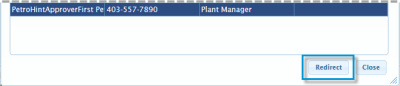
The Approver icon will now display with a Resubmitted status.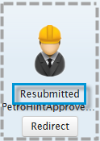
|
NOTE |
Validation requirements, status updates, workflows, and available fields and features may vary depending on your Trading Partner. For details on each Trading Partner's requirements and workflow, see their Quick Reference sheet. |